Apple’s newest iPhone update gives the Lock Screen more AI tricks
iOS 27 adds a batch of new ways to customize the iPhone Lock Screen, including an AI tool that extends photos to fit the screen and a smaller clock option. The update also includes the all-new Siri AI, which powers several of these features.
Apple has been expanding Lock Screen customization for years. It started with simple wallpaper changes, then added widgets, Live Activities, fonts, and color filters. iOS 18 pushed those same tools to the Home Screen and Control Center. iOS 26 brought the Liquid Glass design overhaul, and by 2026 Apple had added animated Apple Music album covers and support for up to three Live Activities in the Dynamic Island at once.
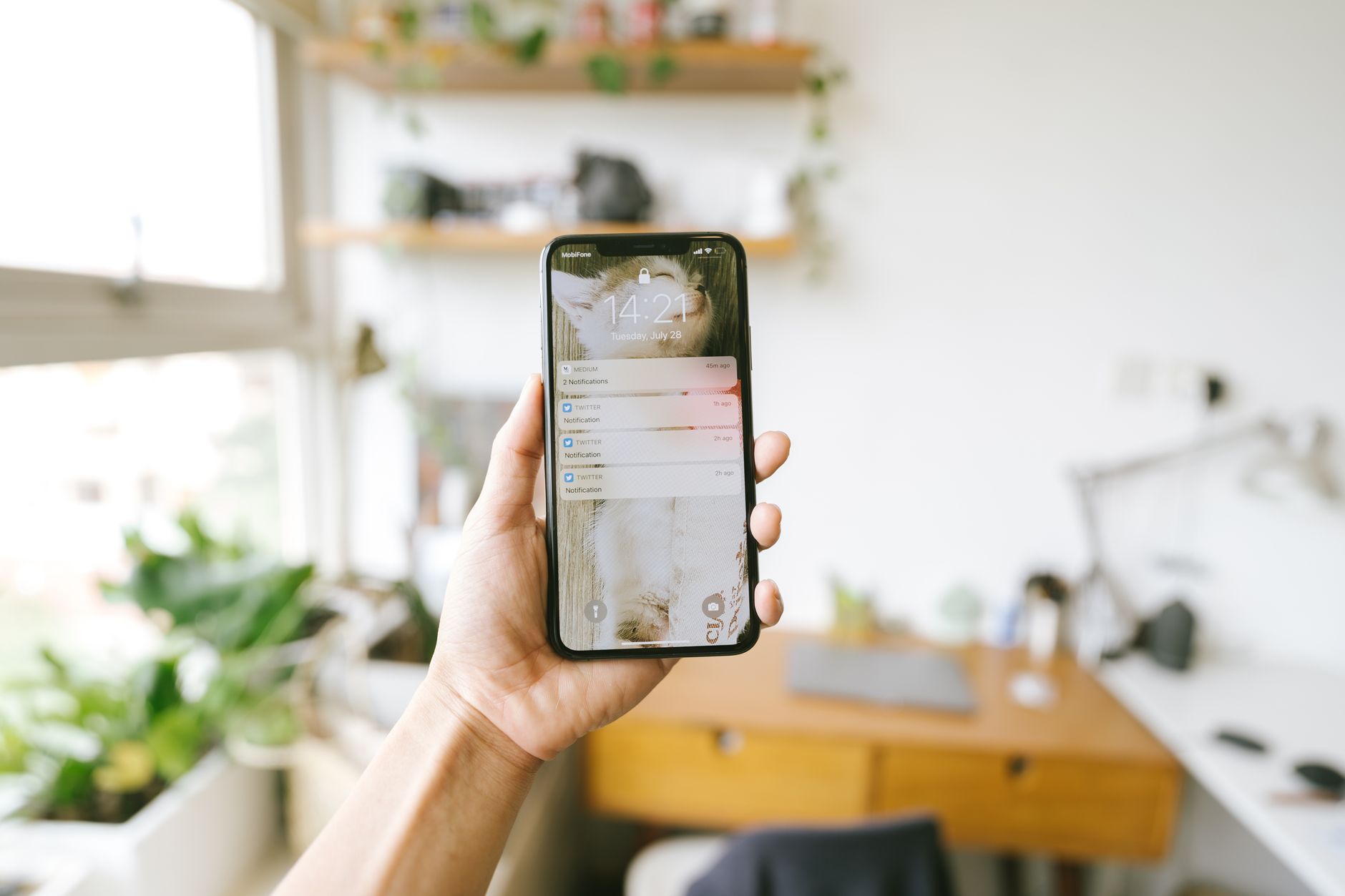
AI can now stretch your photo to fit the screen
One of the more useful iOS 27 features solves an old problem: photos that don’t fit the Lock Screen’s shape. If you have a landscape photo, or a close-up shot where a partner’s or pet’s face gets cropped too tight, there’s now a fix.
Long press the Lock Screen, go into the customization menu, and zoom out on the image until an “Extend” option shows up. The iPhone uses on-device AI to generate new image content around the original photo, filling in the gaps so the picture fits naturally. It’s a small feature, but it solves a real annoyance that’s existed since custom Lock Screens first launched.
The clock can shrink instead of grow
For years, Apple’s Lock Screen clock kept getting bigger with each update. iOS 27 reverses that trend. Tap the clock while editing the Lock Screen, then look for a button shaped like two rectangles near the font options. Tapping it shrinks the clock down into the date area, giving the screen a more minimal look.
It’s a simple toggle, but it matters because not everyone wants a giant clock dominating their wallpaper. Giving users the choice to go small feels like Apple finally admitting that bigger isn’t always better.
Focus Modes still do the heavy lifting
Focus Modes, introduced back in iOS 15, remain one of the most underused tools on the iPhone. They let you set different Lock Screens, wallpapers, and notification filters depending on what you’re doing. One setup for work, another for driving, another for swim practice, each with its own rules for who can reach you.
These modes can trigger automatically based on location, time, or even what Apple Intelligence detects you’re doing, like playing a game or riding a bus. Many people use Focus Modes just to silence work apps like Slack or Trello after hours. You can find the full menu inside Control Center under the Focus tab.
iOS 27 also brings Image Playground into the mix. Tap the Plus button while customizing a Lock Screen, choose Image Playground, pick a design style, then type a prompt to generate a wallpaper from scratch. There’s also a small but notable option to hide the Now Playing card entirely. Music keeps playing in the background, but the Lock Screen stays clean.
Worth Watching
- Will Apple keep expanding on-device AI editing tools beyond just wallpapers?
- Does the shrinking clock trend signal a broader shift toward minimal Lock Screen designs?
- How many users will actually set up Focus Modes now that triggers are smarter?
Source: BGR
